
In today’s digital age, a solid home networking setup isn’t just a luxury—it’s a necessity. Imagine trying to stream your favorite show while your Wi-Fi signal drops faster than a bad sitcom. Frustrating, right? With everyone in the house vying for bandwidth, it’s time to take control of your internet destiny.
Understanding Home Networking Setup
A reliable home networking setup ensures seamless connectivity in today’s digital environment. Understanding its components leads to a better internet experience for everyone in the home.
Importance of Home Networking
Home networking plays a crucial role in daily activities. A strong network enables smooth streaming, fast browsing, and reliable connections for multiple devices. Users can avoid frustrations associated with lagging internet and dropped connections. Effective networking supports smart home devices and online gaming, enhancing overall home technology functionality. Prioritizing a robust setup significantly improves user satisfaction and productivity.
Common Terms in Networking
Familiarity with common networking terms streamlines the understanding of home networking. A router distributes internet access among devices. Modem connects the home network to the internet service provider. Bandwidth refers to the data transfer rate, affecting speed and performance. Wi-Fi allows wireless access, while Ethernet provides a wired connection. Understanding these terms helps users navigate networking challenges and make informed decisions during setup.
Components of a Home Network
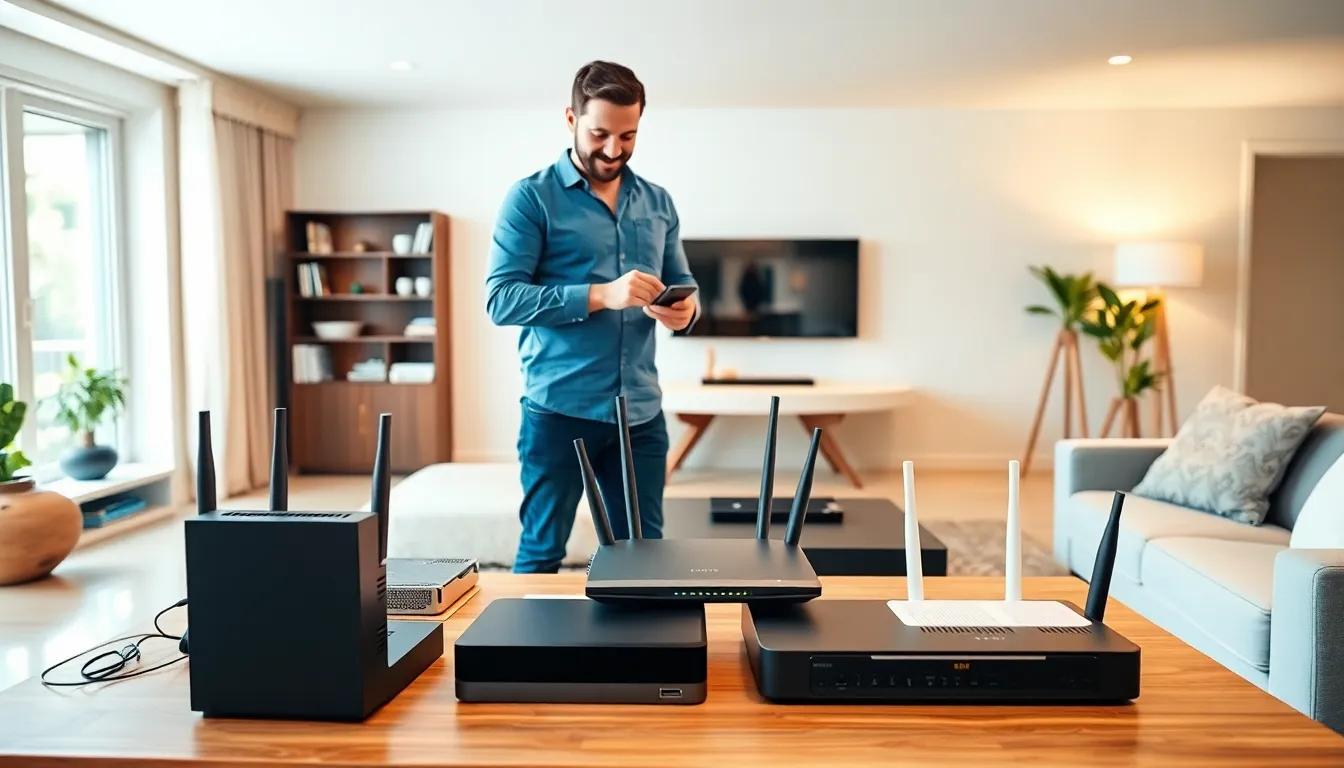
A well-functioning home network relies on several key components. Understanding these elements enables users to optimize their setup for better performance and connectivity.
Routers
Routers serve as the central hub of a home network. They direct data traffic between devices and the internet. Some routers offer advanced features like Quality of Service (QoS) controls to prioritize bandwidth for specific applications. Many modern routers support dual-band or tri-band frequencies, improving connectivity for multiple devices simultaneously. Mesh networking systems enhance coverage, eliminating dead zones in larger homes. Choosing the right router is crucial for ensuring a seamless internet experience.
Modems
Modems establish the connection between the home network and the Internet Service Provider (ISP). These devices convert digital signals from the ISP into signals that devices on the network can understand. Various types of modems exist, including DSL, cable, and fiber optic modems, depending on the internet service available. An integrated modem-router combo can streamline setup, but separate devices often provide enhanced performance. Selecting an appropriate modem is vital for maximizing internet speeds and reliability.
Switches
Switches expand network capabilities by connecting multiple devices through wired connections. They facilitate communication between devices on the same network, improving network efficiency and speed. Unmanaged switches provide basic connectivity, while managed switches offer advanced features like VLAN support and traffic monitoring. For homes with numerous wired devices, a switch enhances performance, reducing latency compared to wireless connections. Investing in a switch ensures stability for activities requiring consistent bandwidth, such as gaming or streaming.
Access Points
Access points extend wireless coverage throughout the home. These devices connect to a wired network and allow wireless devices to access the internet. Positioned strategically, access points eliminate dead zones and enhance Wi-Fi coverage in larger spaces. Some access points support advanced features like guest networks and security protocols. Using access points is beneficial for homes with extensive square footage or multiple floors. Ensuring adequate coverage with access points significantly improves the overall home networking experience.
Steps to Set Up Your Home Network
Setting up a home network involves several key steps that ensure optimal performance and connectivity for various devices.
Planning Your Network Layout
Consider the home’s physical layout when planning the network. Identify areas that need coverage, like living rooms, bedrooms, or home offices. Each device’s location influences the placement of routers and access points. Using a floor plan can help visualize where devices should go. Prioritize central locations for routers to distribute signals evenly. Avoid barriers like walls or large furniture that may disrupt Wi-Fi signals. By assessing these factors, users can create a strategic layout that maximizes coverage and performance.
Connecting Devices
Establishing connections comes next. Begin by connecting the modem to the router using an Ethernet cable. This direct connection ensures a stable internet signal. Next, link additional devices through wired or wireless connections. Desktop computers, gaming consoles, and smart TVs benefit from Ethernet for reliability. For wireless devices, including smartphones and tablets, connect via Wi-Fi credentials found on the router. Each device’s onboarding process is generally straightforward, streamlining the connection experience. Confirm connectivity before proceeding to configuration for optimal setup.
Configuring Your Router
Configure the router settings to enhance the network’s security and performance. Access the router’s dashboard through a web browser using the IP address provided in the user manual. Change the default password to strengthen security. Enable features like WPA3 encryption for safe Wi-Fi access. Adjust settings such as QoS to prioritize bandwidth for critical applications like streaming or gaming. Regular firmware updates maintain security and performance. By tailoring these settings, users ensure a robust and efficient home network.
Optimizing Your Home Network
A well-optimized home network enhances the user’s online experience. Prioritizing coverage, connection speed, and security strengthens overall performance.
Enhancing Wi-Fi Coverage
To improve Wi-Fi coverage, strategically position routers and access points throughout the home. Place routers in central locations to maximize signal distribution. Consider using Wi-Fi extenders or mesh systems for larger homes. Such setups eliminate dead zones and provide a seamless connection in all areas. Adjusting the router’s antennas can also direct the signal more effectively. Users may also benefit from minimizing obstacles like walls or furniture that block signals.
Improving Connection Speeds
Boosting connection speeds requires a combination of hardware choices and configurations. Connecting devices directly via Ethernet cables often results in faster, more stable connections. It’s important to limit the number of devices simultaneously using heavy bandwidth. Prioritizing quality of service (QoS) settings on the router can improve load times for critical applications. Regularly checking and upgrading internet plans with the ISP ensures users get the speed they pay for. Additionally, outdated equipment can hinder performance, so consider investing in a newer, more capable router.
Securing Your Network
Securing the home network safeguards sensitive information. Enable WPA3 encryption to protect against unauthorized access. Changing default router passwords prevents easy breaches by outsiders. Regularly updating firmware boosts security features and fixes vulnerabilities. It’s advisable to routinely check connected devices for any unfamiliar activity. Using a guest network for visitors also protects the main network from potential threats. Prioritizing these security measures enhances overall peace of mind while online.
Troubleshooting Common Issues
Home networking setups may encounter various issues. Identifying and resolving these problems ensures a seamless internet experience.
Connectivity Problems
Connectivity problems often stem from several factors. Check the router’s status lights; if they’re not indicating a proper connection, power cycle the router and modem. Network interference can also disrupt connections; reduce the number of devices connected simultaneously or relocate devices closer to the router. If connection drops frequently, consider updating the router’s firmware or repositioning it to eliminate dead zones.
Slow Speeds
Slow internet speeds can originate from bandwidth limitations. Examine the number of devices accessing the network; too many can saturate available bandwidth. Wired connections typically deliver faster speeds compared to Wi-Fi; using Ethernet for high-demand devices improves performance. Additionally, speed test tools can gauge current speeds; if they’re significantly lower than expected, contact the Internet Service Provider for potential service issues.
Network Security Concerns
Network security concerns require immediate attention. Change default router passwords and enable WPA3 encryption to fortify the network. Regular firmware updates build robustness against vulnerabilities. Monitor connected devices to spot unfamiliar users; enabling MAC address filtering can restrict access to known devices only. Employing these measures greatly enhances overall network security and mitigates risks.
A well-designed home networking setup is essential for a seamless digital experience. By understanding the components and following best practices for installation and optimization, users can significantly enhance their internet connectivity. Prioritizing security and staying proactive with troubleshooting can further improve performance and protect against potential threats. With the right approach, anyone can create a reliable network that meets their needs, whether for work, entertainment, or smart home integration. Taking the time to invest in a robust home network ultimately leads to greater satisfaction and productivity in today’s connected world.